
![⚡ X PRISON CORE ⚡ [1.13 - 1.21.x] ⭐ All-in-One ⭐15 Plugins in 1⭐NEW Infinite Enchants](/data/resource_icons/0/716.jpg?1780136099)
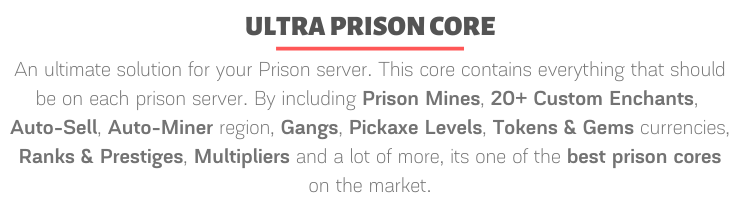
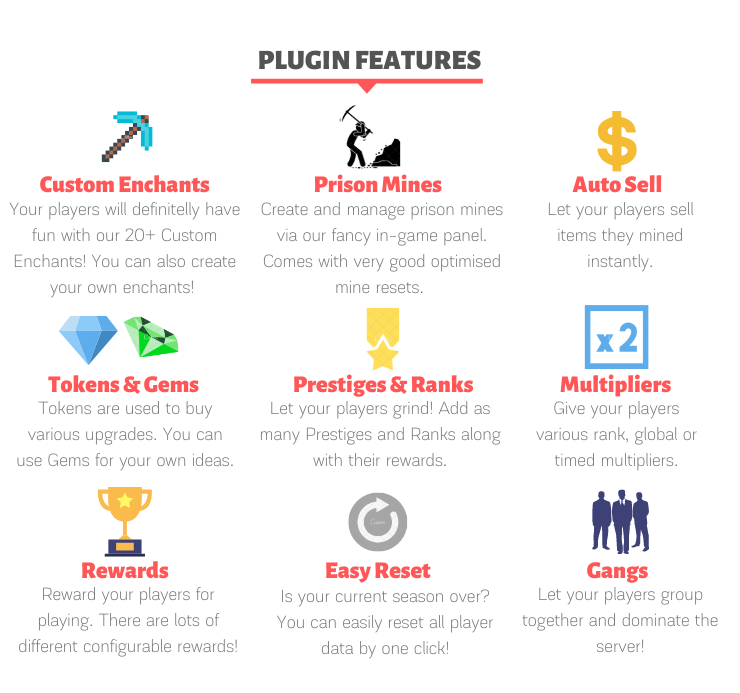
UltraPrisonCore is a an ultimate solution for your prison server. This core contains everything that should be on each prison server. By including Prison Mines System, 20+ Custom Enchants, Gangs, Auto-Sell, Auto-Miner region, Pickaxe Levels, Tokens & Gems currencies, Ranks & Prestiges, Multipliers and a lot of more, its one of the best prison cores on the market.





Detailed Features and other informations can be found here.



Spoiler:

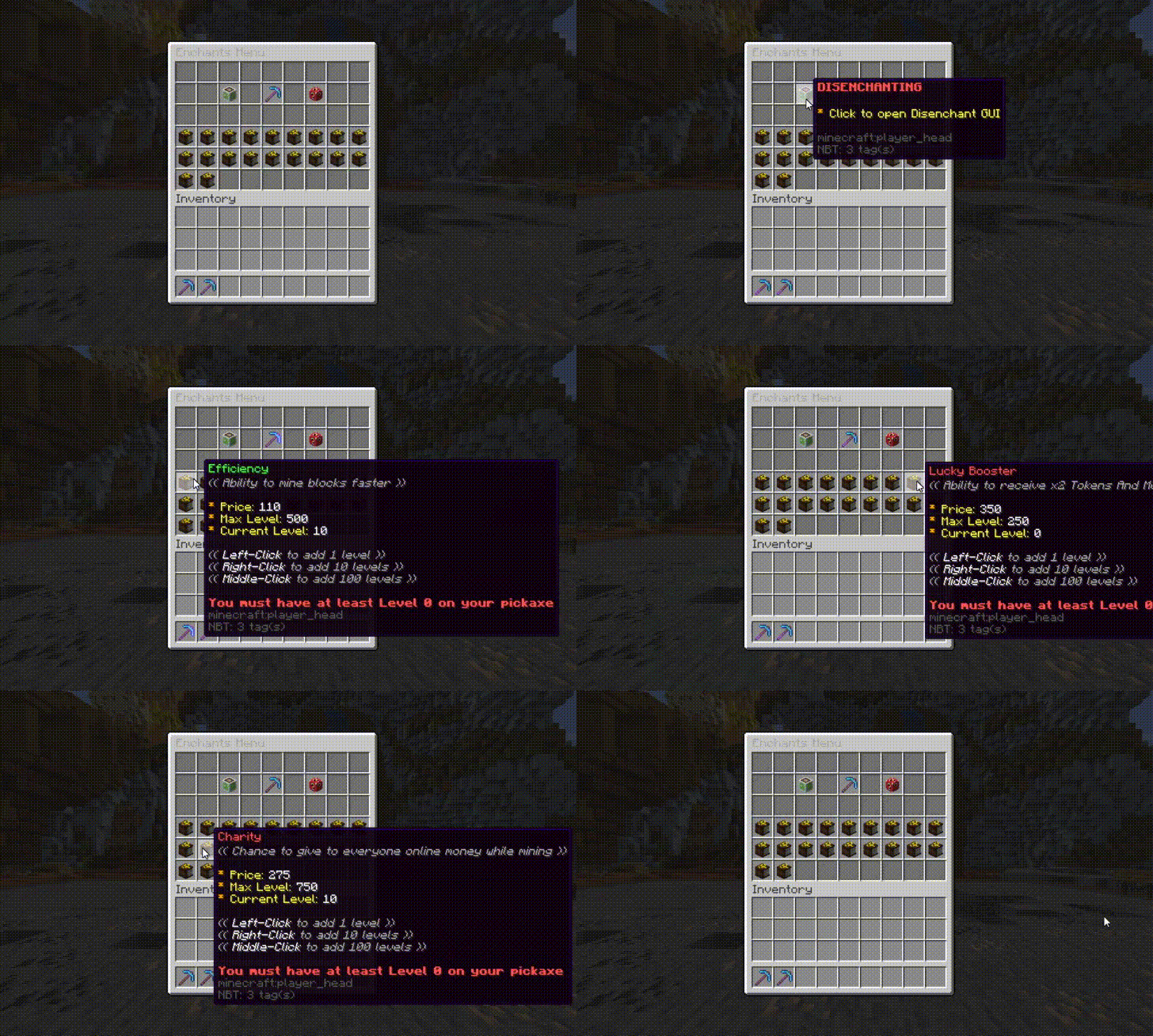

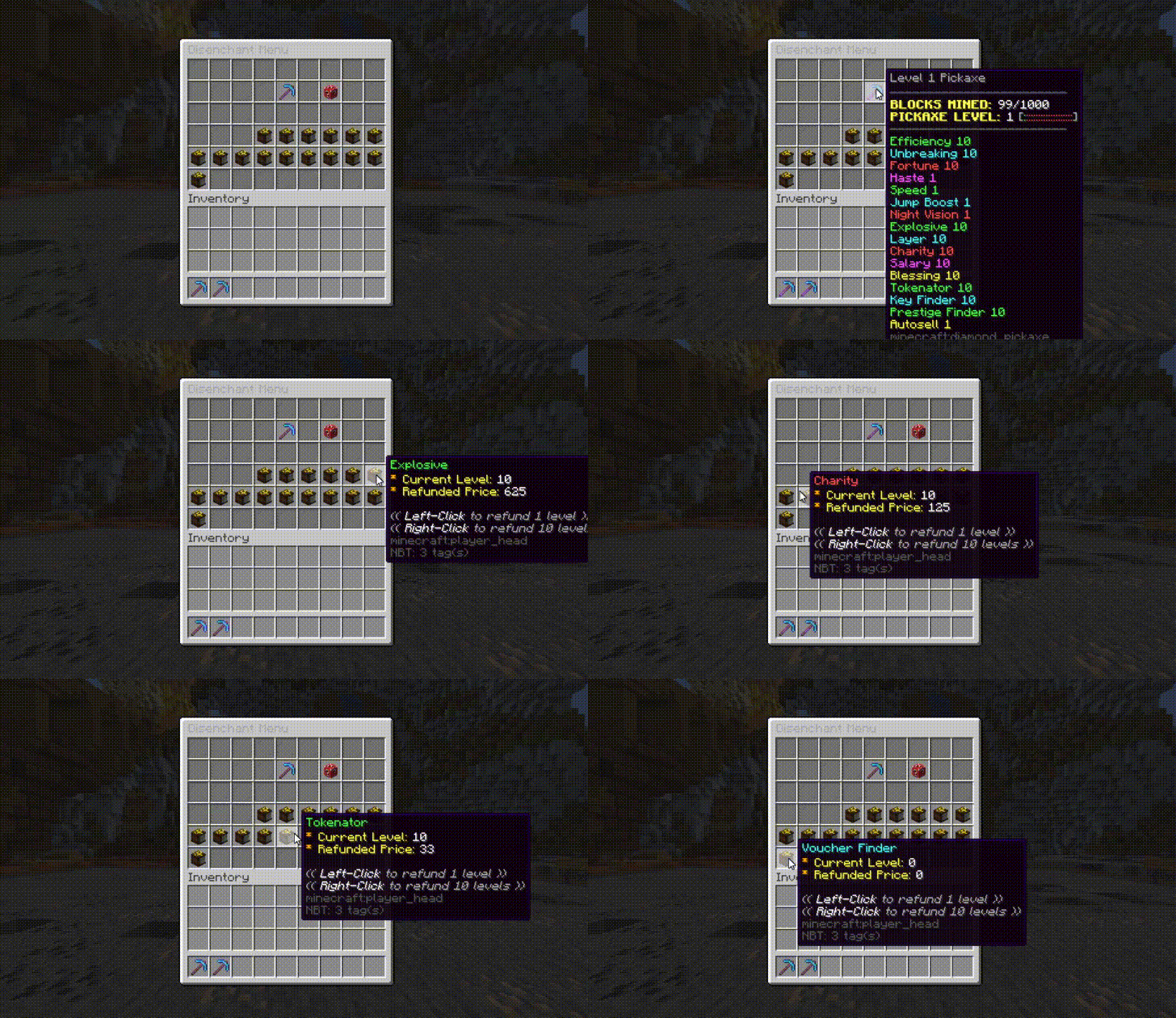




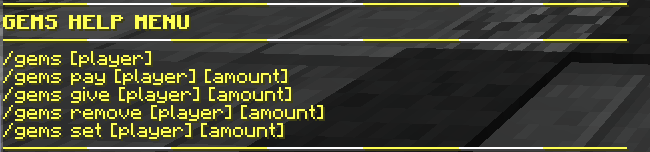
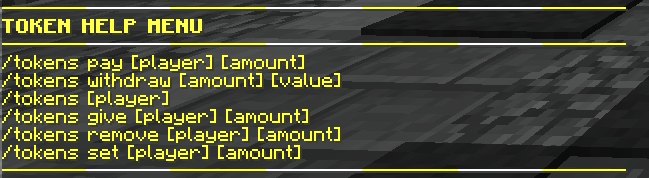

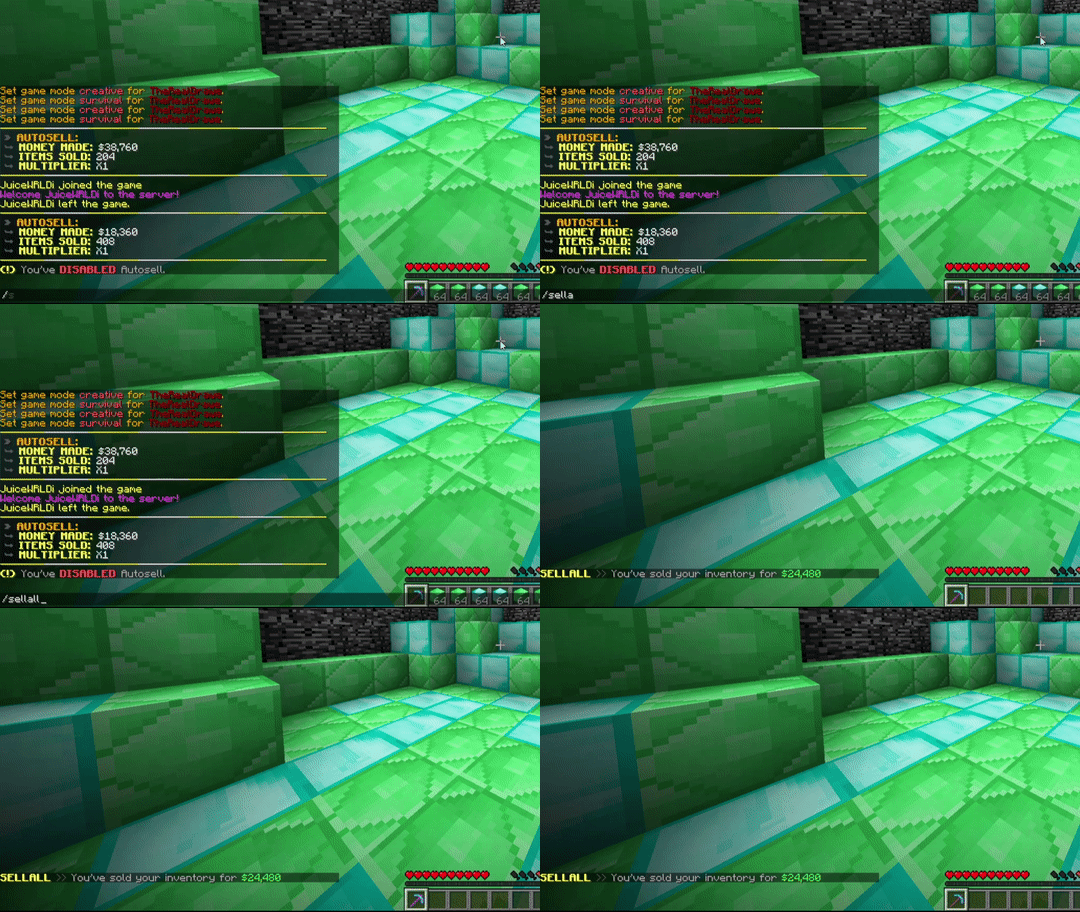

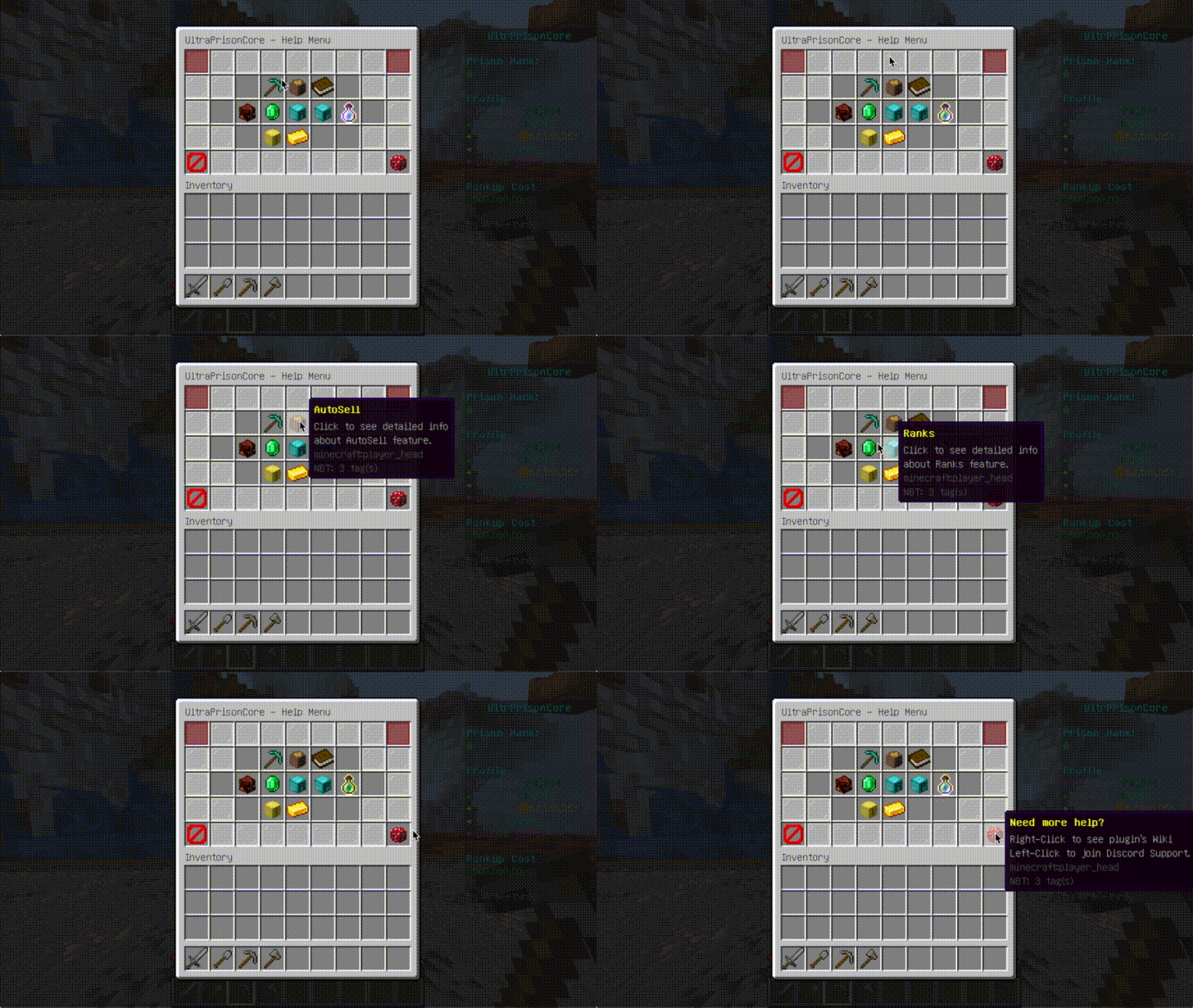
Installing plugin to your server:
- Download latest version of UltraPrisonCore
- Download helper, WorldEdit, WorldGuard and Vault plugins, as they are required as dependencies. Don't worry about **helper **plugin, its just a library
- Extract UltraPrisonCore-X.X.X.jar to /plugins folder of your Minecraft Server
- Restart/Reload the server
- After restart, please select your database system /plugins/UltraPrisonCore/config.yml. You can either use SQLite as local database, or MySQL as remote database. If you wish to select MySQL, please set also your connection credentials in config section.
- Note: Java 8 and above is required
- Note: If you would like to use Essentials Kits along with custom enchants from this plugin, please see Essentials Kits Addon
Setting up the plugin:
- Note: There are lot of useful commands to gain the best from the plugin. Definitely check out Command wiki page!
- Note: Most of the setup is done via configuration files.
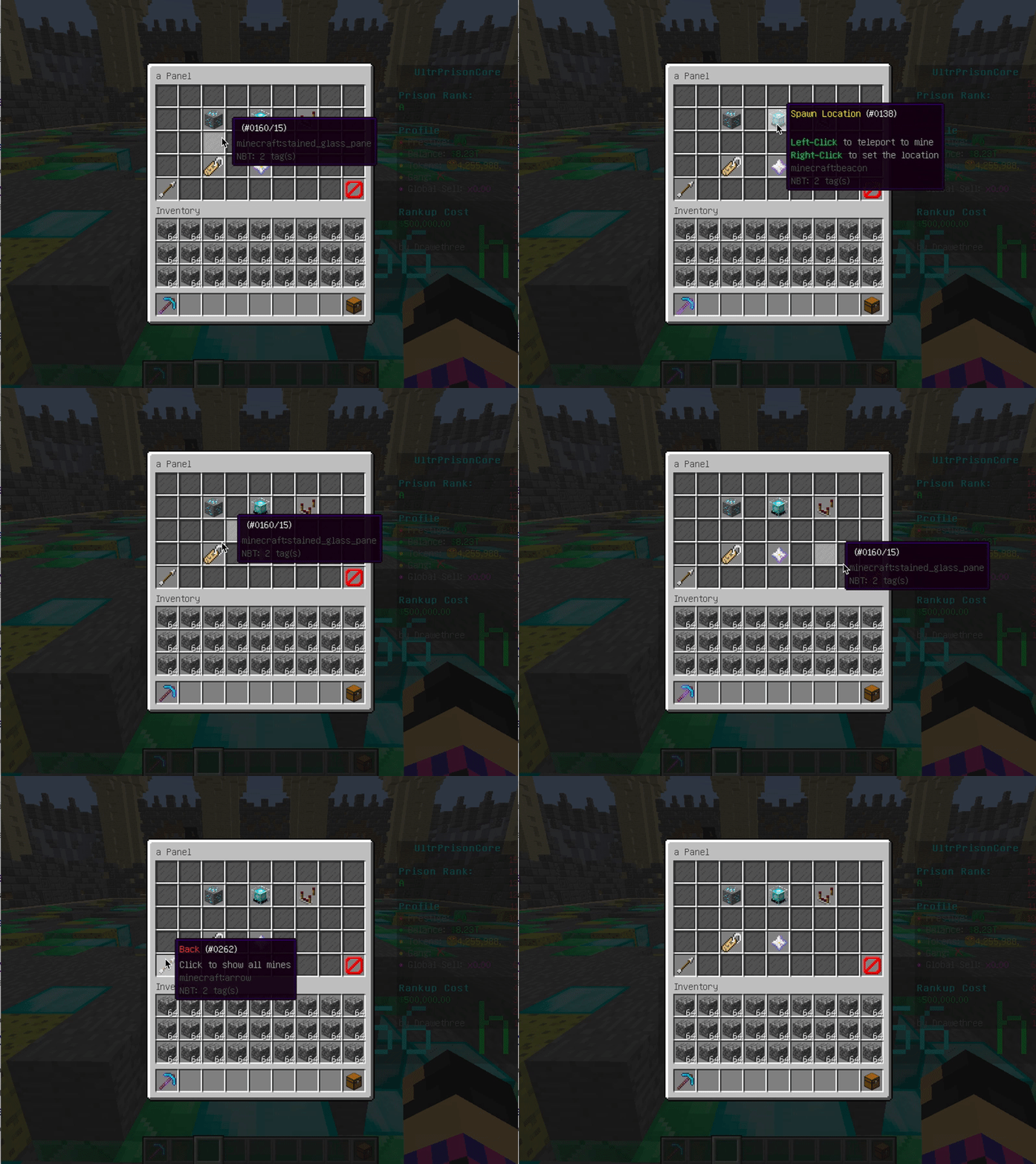
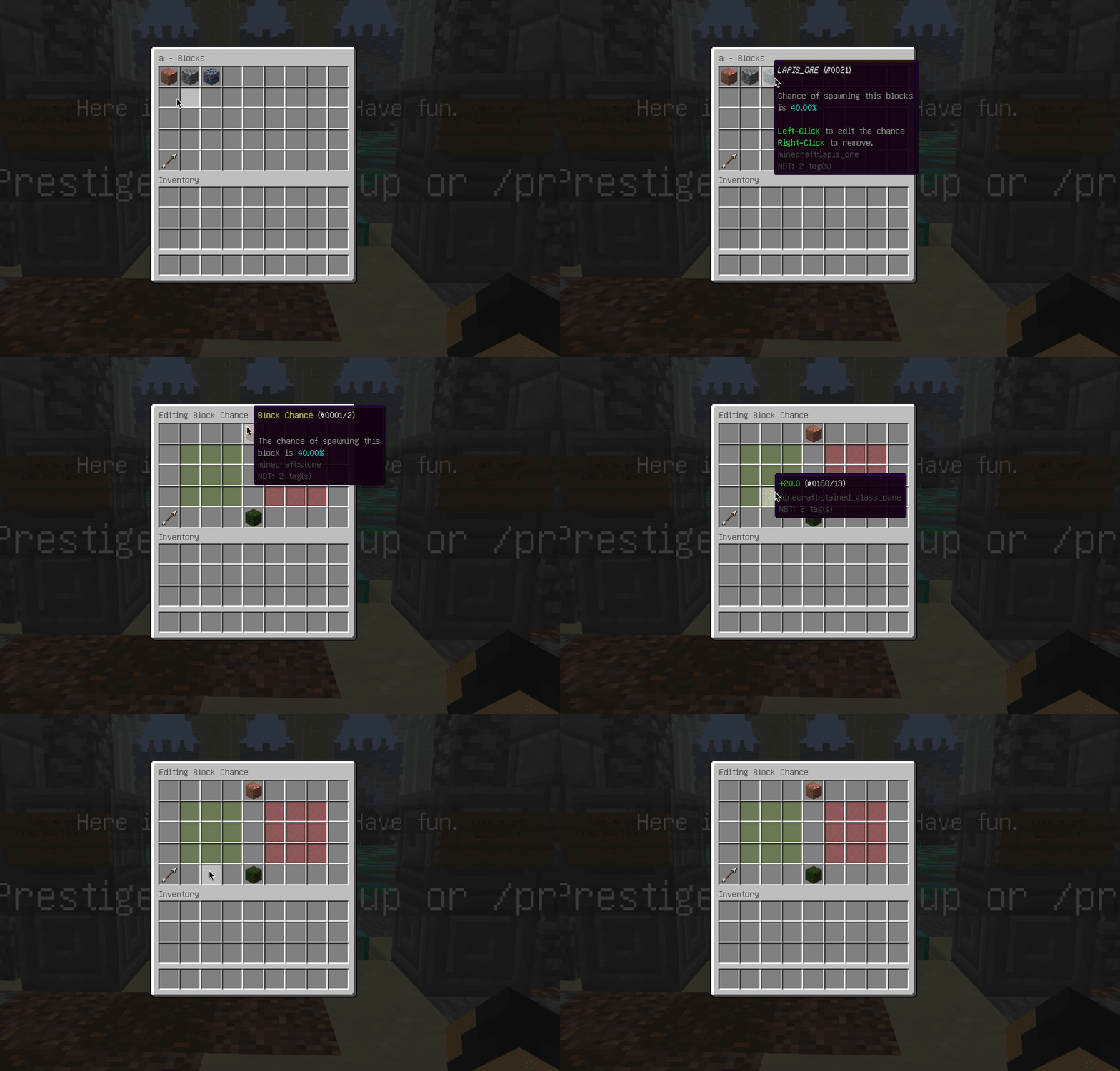
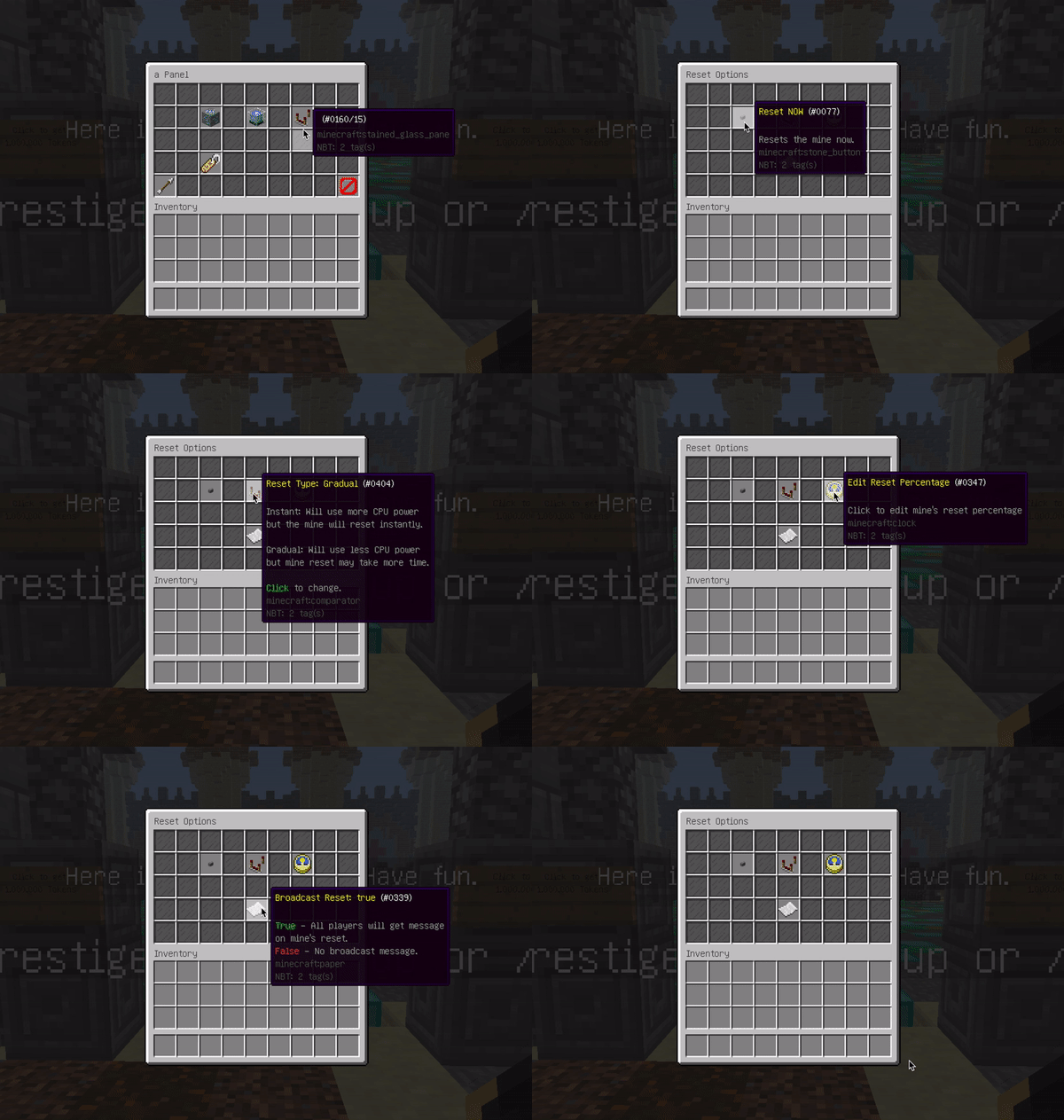
- Create prison mines by /mines create [name]. Before doing so, you need to have a selection ready using /mines tool. After you create a mine, add some blocks (contents) to it by holding a block in your hand and running /mines addblock [name] command. After adding blocks, open up a mine panel by /mines panel [name] and perform detailed GUI setup.
- For each of your prison mines, create also WorldGuard region by /rg define [name]. After region is created, please make sure to set flag 'upc-enchants' to ALLOW by running command /rg flag [name] upc-enchants ALLOW, otherwise enchants will not be able to work in this region.
- For each of your prison mines, do /sellprice [price] with a block in your hand that is mined from that mine to configure selling prices of items. You must be standing in mine region to do this!
- If you would like to use autominer region, please create WorldGuard region called how would you like. Then visit autominer.yml configuration and update values.
- Do not forget to check all configuration files and change messages to your liking! There is also lot of predefined stuff that you can change, add, or delete.
Detailed Features and other informations can be found here.
Spoiler:



